Practical comparison

Find the best ai sound generator for your next project

The best ai sound generator is the one that produces the kind of audio your project needs with a workflow you can actually finish. Start by deciding whether you need a short effect, sound timed to a scene, or a spoken voice; then compare how much control each approach gives you.

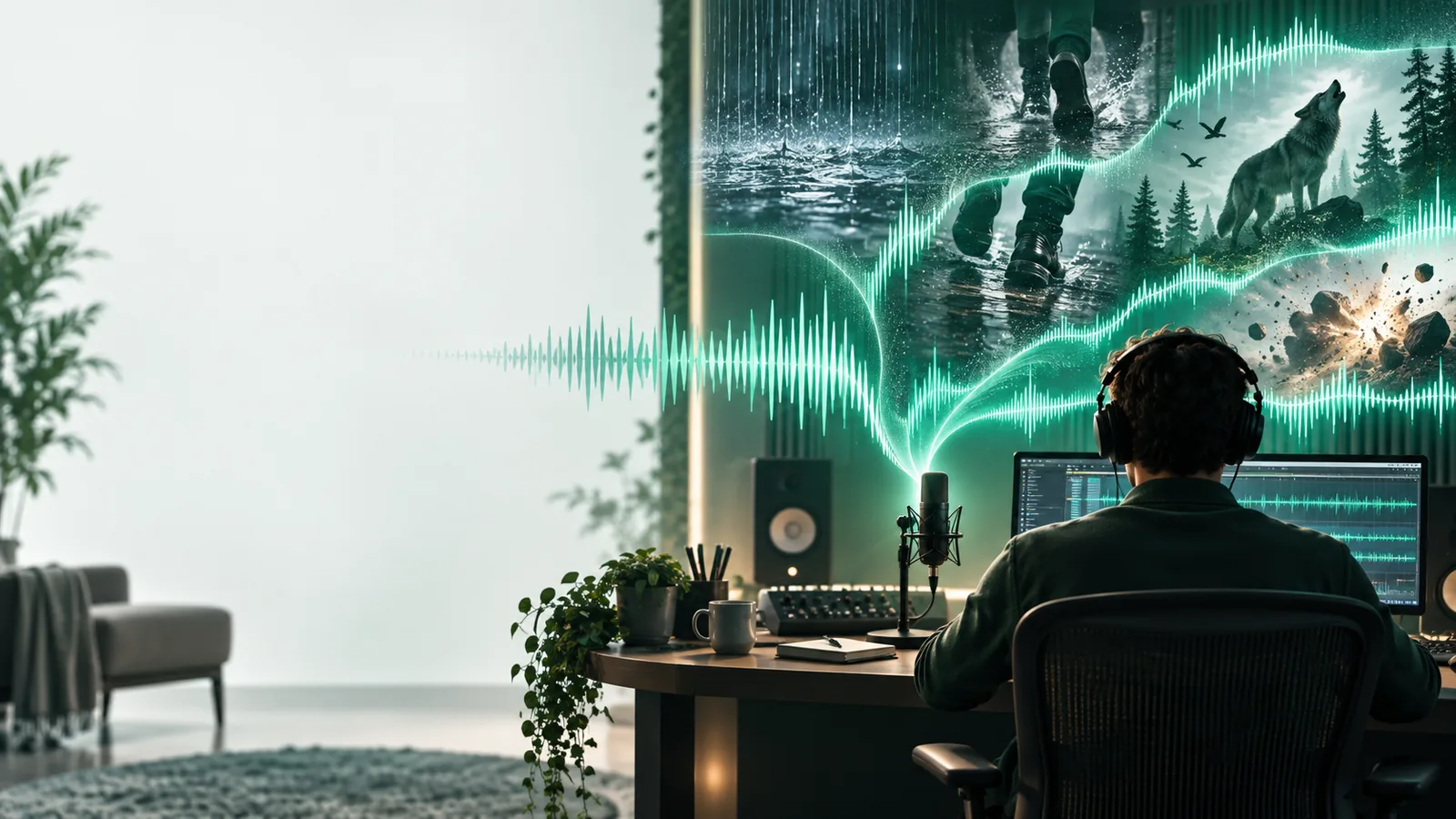
Sound-generation workspace illustrating the choice of an audio workflow

Start with output

A single ranking hides an important distinction: a convincing door slam, a scene-length ambience, and a spoken line have different inputs and review criteria.

Project fit

Dimension by dimension: where each approach earns its place

Judge a sound generator on the input it accepts, the detail you can specify, and the work left after generation. These projects expose different strengths.

Video editor

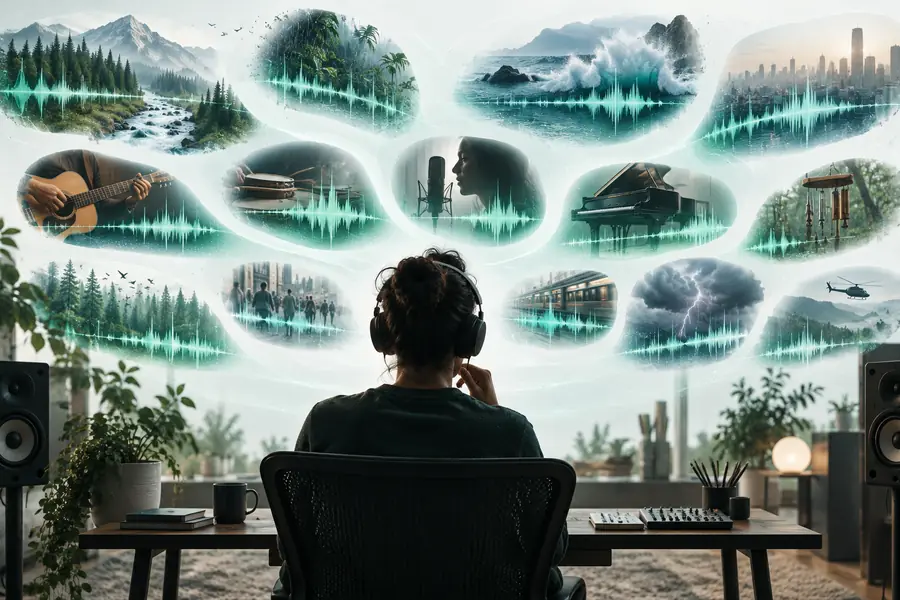
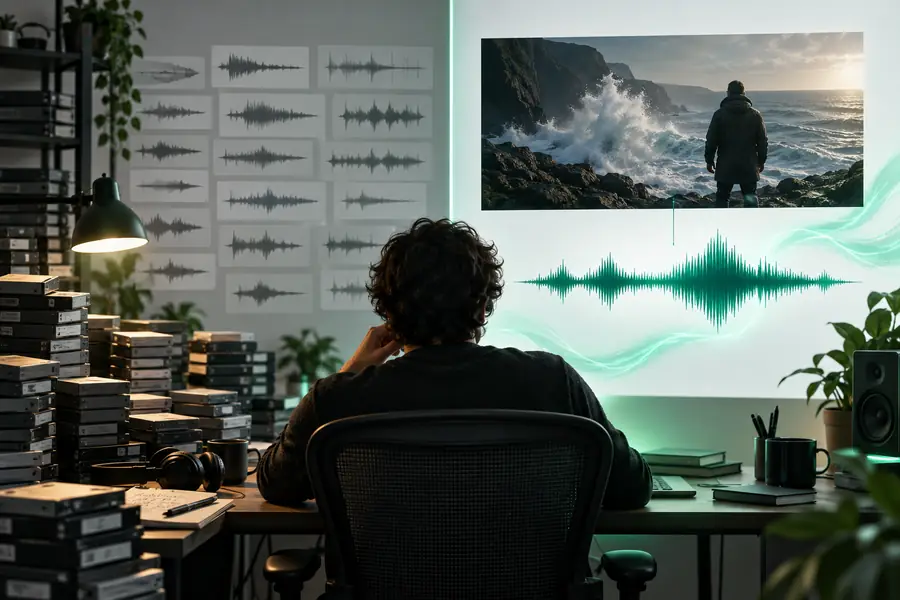
A cut needs footsteps, a door close, and room tone that feel consistent with its setting. Timing and perspective matter more than the number of sounds produced.

Use the footage as a reference, then place and adjust each sound against the edit; a plausible clip still needs a listening pass in context.

ai sound generator for video free
Game prototyper

An interaction needs several recognizable variations of a short impact. A prompt can describe material, intensity, and distance without requiring a finished animation.

Generate candidates, reject muddy attacks, and keep variations whose loudness and character work together in play.

ai sound effect generator from text

Podcast producer

A transition needs a restrained cue that supports speech instead of competing with it. The key comparison is intelligibility after the effect is mixed beneath narration.

Prefer a short, controllable sound and check it at the final listening level, not only in isolation.

ai sound effect generator

First-time creator

A creator wants to test a sound idea before preparing a detailed brief. Low-friction access matters, but it does not replace checking whether the result fits.

Try a specific prompt, listen for unwanted elements, and revise one detail at a time rather than accepting the first output.

ai sound effect generator no sign up

Make the choice

Who each approach suits: a short selection workflow

The best choice depends less on a universal score than on what you can provide as input and what you can inspect afterward.

  1. 1

    Name the audio job

    Write down whether the deliverable is an isolated effect, an ambience, audio for a particular video moment, or speech. Include where listeners will hear it. This prevents an impressive but irrelevant sample from winning your comparison.

  2. 2

    Choose the strongest reference

    Use a text description when the sound exists mainly as an idea. Use a visual scene as a reference when movement and setting explain what should happen. Neither input guarantees exact synchronization or a finished mix.

  3. 3

    Test the result in context

    Compare candidates at the intended playback level. Check the start and end, background noise, consistency with nearby clips, and whether the sound distracts from dialogue. Keep the version that needs the least corrective editing.

Know the limits

Migration path: move from a promising sample to usable audio

Changing tools or input methods will not fix every problem. Identify the remaining production work before committing to an output.

  • A prompt cannot guarantee an exact sound

    Material, distance, and mood help guide generation, but a result may include the wrong rhythm or an extra background element.

    WorkaroundDescribe one audible event at a time, generate alternatives, and edit or layer the closest result.

  • A generated clip does not place itself on the timeline

    Even a suitable sound may arrive too early, decay too long, or feel too loud beside the picture.

    WorkaroundTrim, align, fade, and level it in your editor while watching and listening to the full scene.

  • Effects do not substitute for intelligible speech

    An atmospheric sound workflow and a voice workflow solve different problems. A strong transition cue will not deliver a clear spoken script.

    WorkaroundTreat narration as its own task, then mix any generated effects around the voice.

  • A comparison cannot confirm usage rights

    Output quality alone does not establish what you may publish, distribute, or use in a client project.

    WorkaroundCheck the applicable terms for the tool and output before releasing finished work.

Brief quality

Migration path: replace a vague request with a sound brief

These images illustrate the change in approach, not an audible before-and-after test or a claim that one prompt guarantees better output.

  • Vague goal: make a sound
  • Specific brief: event, material, setting

For example, replace “a dramatic noise” with “a heavy metal door shutting in a small concrete hallway, followed by a short reverberant decay.” Listen and revise rather than assuming the wording is sufficient.

Illustration representing a broad search for a sound tool
Illustration representing a more specific text-to-sound request

Side-by-side

Verdict table: text-first versus video-referenced sound

This compares two ways of directing generation, not two named products. The stronger option is the one that matches the reference material you already have.

1

Starting input

Text-first workflow

A written description of an audible event.

Video-referenced workflow

A scene used to identify or guide needed sounds.

2

Best starting point

Text-first workflow

A sound idea without footage.

Video-referenced workflow

An existing shot with visible action.

3

Useful detail

Text-first workflow

Material, action, distance, space, and decay.

Video-referenced workflow

Visible movement, location, and timing cues.

4

Main review question

Text-first workflow

Does the clip resemble the described event?

Video-referenced workflow

Does the clip support what happens on screen?

5

Likely follow-up

Text-first workflow

Revise the prompt or choose another candidate.

Video-referenced workflow

Align, trim, and mix the sound against the edit.

6

Important limitation

Text-first workflow

The description may omit a crucial audible detail.

Video-referenced workflow

Footage may not reveal how an object should actually sound.

7

Who it suits

Text-first workflow

Creators exploring effects before a visual edit exists.

Video-referenced workflow

Editors filling identifiable sound gaps in a scene.

Next step

Migration path: test your choice with one real scene

Make the comparison audible

Choose one sound your project genuinely needs and describe its action, setting, and intended role. Generate a candidate, then listen to it beside the surrounding audio. That small test tells you more about fit than a generic ranking can.

Try sound generation
  • Start with a specific audible event
  • Compare results in their intended context
  • Keep editing and usage checks in your workflow

Common questions

Comparison FAQ

The strongest choice produces the kind of audio you need from an input you can provide, with an output you can review and edit. Compare results in your actual video, game, or spoken-audio mix rather than judging a standalone sample.

Text is a sensible starting point when you can describe a sound but do not have footage. A video reference is more useful when the sound must support visible action; you will still need to check timing and mix the result.

Those outputs demand different checks: effects need a clear event, ambience needs continuity, and voice needs intelligibility. Test each output type separately rather than assuming success with one proves success with the others.

Examples are useful for seeing what to request, but they may not represent your scene or editing constraints. Run a small test using your own brief and listen for unwanted artifacts, unsuitable duration, and poor fit with nearby audio.

Listen to the complete clip, including its beginning and decay, and test it at the final playback level. Review the applicable usage terms separately; an audio-quality comparison does not establish publishing rights.

Create sound
Create sound