Video editors
A cut needs a door slam, room tone, riser, or movement cue before the final mix is recorded.
Generate a temporary or polished layer that follows the timing and mood of the scene.
ai sound effect generator from videoTEXT TO AUDIO
An ai sound effect generator from text turns a written scene into a focused audio starting point. Describe the action, space, texture, and mood, then send the prompt to generate a usable effect.
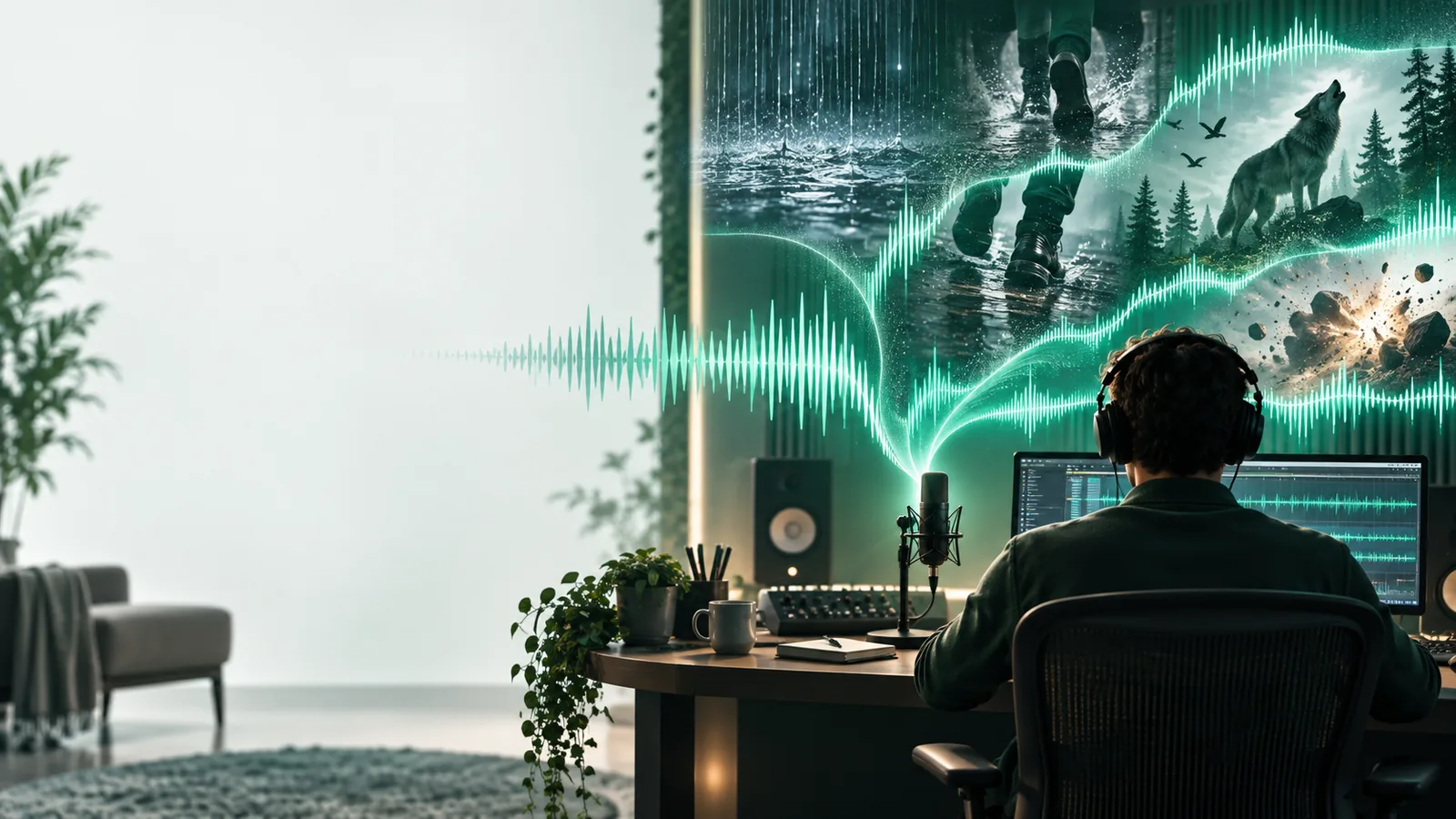
BEFORE AND AFTER
Text gives the model a scene, action, and sonic texture to interpret. The result is a generated effect that can be auditioned, trimmed, and placed into a wider edit.
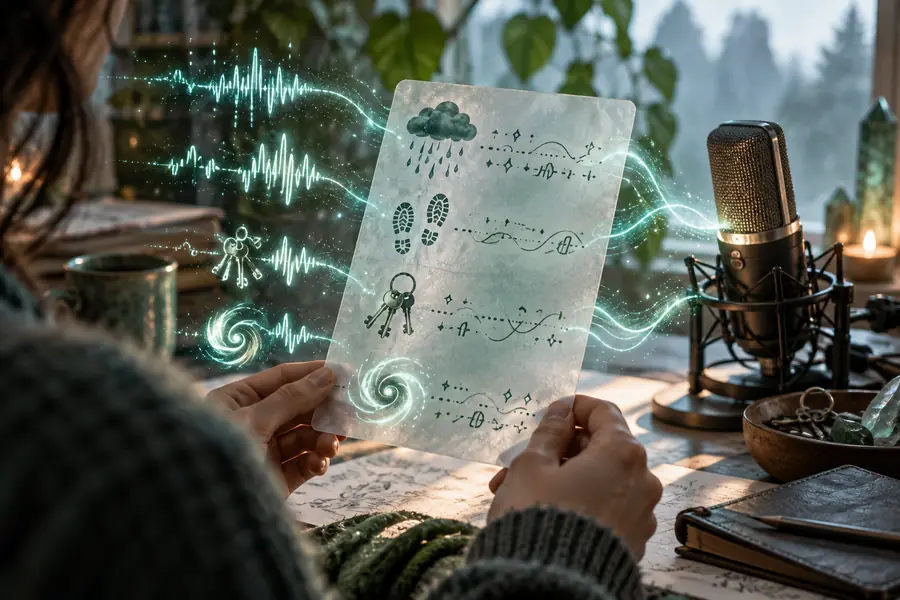
 Written idea
Sound result
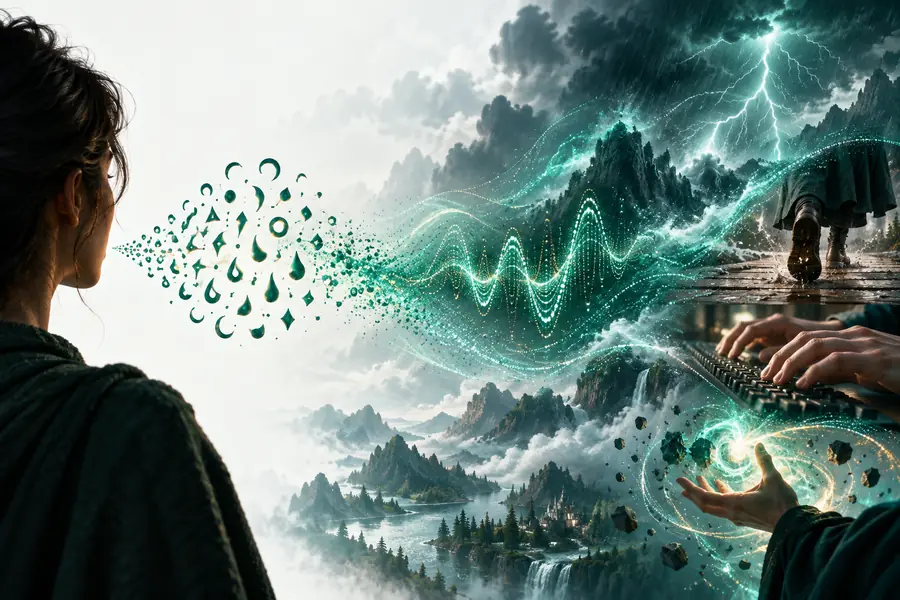
Written idea
Sound result
Drag the divider to compare the starting concept with the generated direction.
THE CORE SHIFT
A strong prompt moves from what happens on screen to what the listener should hear. These five prompt patterns keep the conversion specific without making the wording complicated.
TOOL BLOCK
The text path is best when you know the intended event but do not yet have a recording. Compare the source description with the output you are trying to shape.
Text prompt
Generated sound effect
Text prompt
A written description of an audible event
Generated sound effect
A rendered audio interpretation
Text prompt
Action, material, distance, space, and mood
Generated sound effect
Clarity of the dominant sound and its timing
Text prompt
Adjust words, order, intensity, and setting
Generated sound effect
Select the strongest take and refine the prompt
Text prompt
Storyboards, edits, game scenes, and prototypes
Generated sound effect
Transitions, ambience, impacts, and scene texture
Text prompt
Vague wording can produce a generic result
Generated sound effect
A close result may still need editing in context
Text prompt
Read the prompt as a short sonic brief
Generated sound effect
Listen for timing, texture, prominence, and unwanted noise
PRACTICAL FIT
Different creators describe the same workflow in different language. Start with the audible event, then add only the details that change the result.
A cut needs a door slam, room tone, riser, or movement cue before the final mix is recorded.
Generate a temporary or polished layer that follows the timing and mood of the scene.
ai sound effect generator from videoA prototype needs footsteps, interface clicks, creature movement, or environmental texture.
Explore several sound directions from the same action before committing to a library or recording session.
video-based sound designA spoken segment needs a subtle transition, location bed, impact, or atmospheric detail.
Create a focused cue from plain language without interrupting the writing and editing flow.
sound effects from visual contextPROMPT EXAMPLES
These examples show how a concrete action, setting, and sonic character can guide the generated result. Replace the subject while keeping the useful descriptive structure.
 1
Impact
1
Impact
 2
Ambience
2
Ambience
 3
Transition
3
Transition
KEEP EXPLORING
Choose the path that matches the material you already have, whether you are starting from words, footage, or a broader production brief.
READY TO TRY
Write the event as if you were briefing a sound designer: name the action, the material, the environment, and the feeling. Then generate a direction, listen in context, and revise only the detail that is missing.
Generate a sound effectVARIANT FAQ
Describe the main audible event first, such as a glass bottle breaking or a distant train passing. Add useful context like material, location, distance, intensity, duration, and mood when those details matter.
It can produce a realistic creative direction when the prompt names a recognizable action and gives enough acoustic context. Results vary, so listen for timing, texture, unwanted elements, and whether the effect fits the scene.
A concise sentence or two is usually enough to establish the event and its character. Specific details are more useful than decorative wording, so remove adjectives that do not change what should be heard.
Generated effects can be useful in videos, games, podcasts, prototypes, and social content, subject to the terms of the tool and your production requirements. Always review the output in context before publishing or shipping it.