Practical examples

Best ai sound generator examples you can adapt

The most useful examples start with a scene, not a vague request for a sound. See how to turn a specific moment into a prompt, then judge the result against what your edit actually needs.

Visual introduction to creating sounds from written scene descriptions

the audience's existing pipeline

Editors usually know where a sound belongs before they know what to call it. These examples begin with a real gap in a project, then describe an outcome worth auditioning.

Short-form video editor

A close-up of a metal latch needs a brief click and rattle that land on the cut. Describe the material, action, perspective, and short tail rather than requesting a generic transition.

A candidate effect to trim and place against the picture. For a workflow focused on moving images, see ai sound generator for video free.

ai sound generator for video free

Game prototype designer

A menu selection needs a soft electronic confirmation that remains distinct from an error cue. Ask for a quick rising two-tone signal without speech or a long reverberant tail.

A temporary interface cue to compare at actual gameplay volume. For more effect-focused prompts, see ai sound effect generator.

ai sound effect generator

Podcast producer

A scene change calls for a quiet train-platform atmosphere beneath narration. Specify distant rolling wheels, sparse footsteps, and no intelligible announcements.

An ambience draft to balance under dialogue and check on headphones. If you want to refine the wording first, see ai sound effect generator from text.

ai sound effect generator from text

Teacher making a lesson

A science animation needs a gentle water droplet followed by a small splash, with enough space between events to match two visual beats.

A sound idea to test for timing and clarity in the finished lesson. For an accessible starting workflow, see ai sound generator free.

ai sound generator free

where we slot in

Use an ai sound generator while exploring a cue, before you commit to detailed editing. A short prompt can give you material to audition, but your timeline remains the final judge.

  1. 1

    Mark the moment

    Note what happens on screen or in the story, where the sound starts, and whether it sits in the foreground or background. A latch closing on camera needs a different perspective from one heard down a hallway.

  2. 2

    Write for the ear

    Name the source, action, texture, distance, and ending. For example: a heavy wooden door shuts in a small room, with one low thud, a brief handle rattle, and no music. This gives the generator fewer competing interpretations.

  3. 3

    Audition in context

    Compare the output with the image, voice, or interaction it supports. Trim silence, adjust level, and reject a take if its timing or texture distracts, even when it sounds convincing on its own.
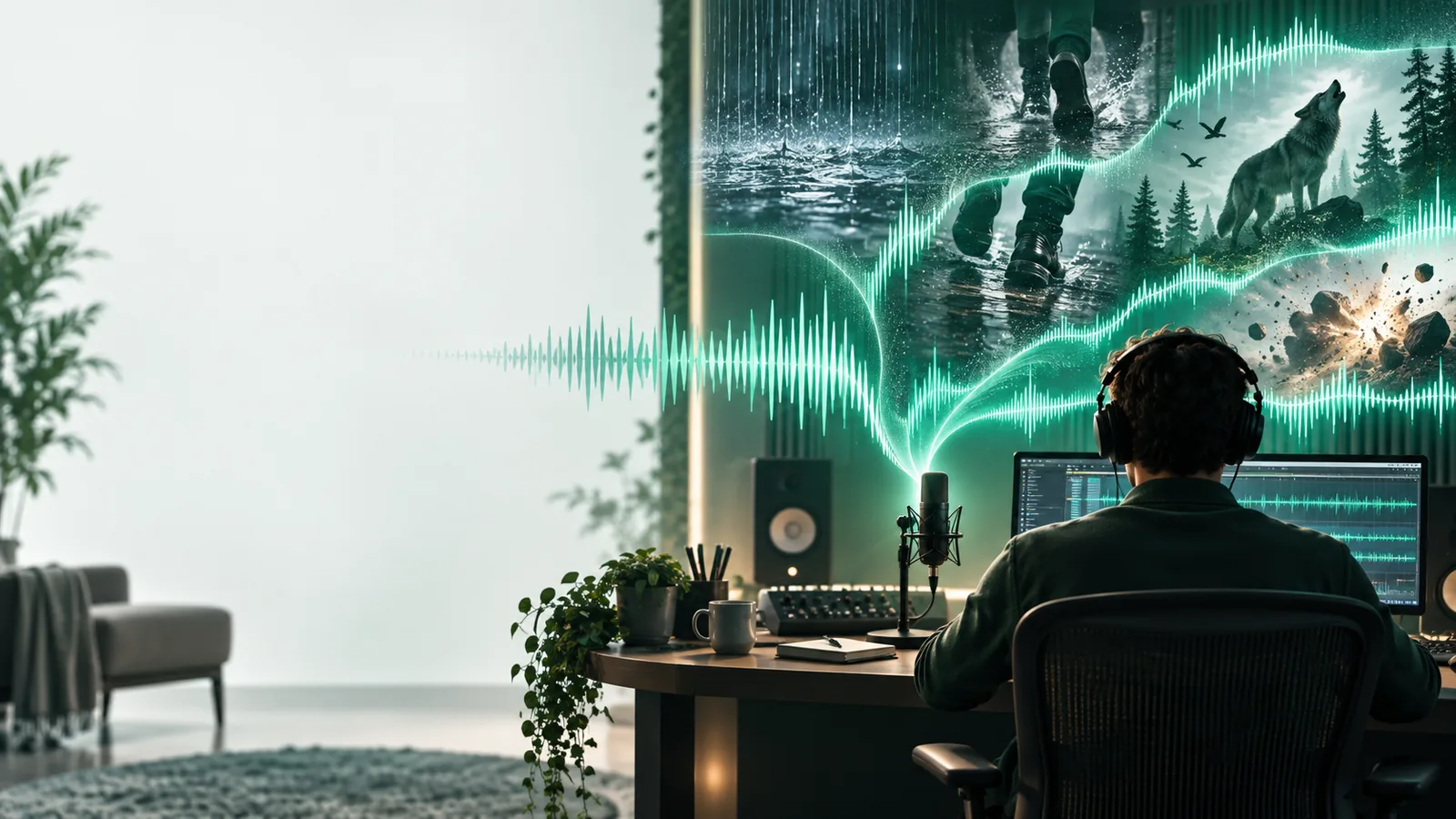
Before generation, the gap is often described as “needs a sound.” After a useful prompt, you have a specific candidate to test: a source, an action, a perspective, and a clear place in the edit.

deliverable spec

The table turns two rough requests into testable briefs. These are prompt and review criteria, not promises about a particular generated result.

1

Role in project

Video latch cue

Foreground action synchronized to a visible close

Podcast platform bed

Background atmosphere beneath spoken narration

2

Source

Video latch cue

Metal latch and its mounting plate

Podcast platform bed

Distant train wheels and occasional footsteps

3

Action

Video latch cue

One click followed by a short loose rattle

Podcast platform bed

Steady environmental movement without a featured event

4

Perspective

Video latch cue

Close and dry, as if beside the camera

Podcast platform bed

Open and distant, with no nearby voices

5

Timing

Video latch cue

A distinct attack that can meet a single edit point

Podcast platform bed

An even texture that can sit across a longer passage

6

Avoid

Video latch cue

A second slam, music, or a drawn-out echo

Podcast platform bed

Intelligible announcements or sudden loud arrivals

7

Acceptance check

Video latch cue

Does the click align with the latch and read at playback level?

Podcast platform bed

Can every spoken word remain clear over the atmosphere?

What these examples cannot settle

An ai sound generator can help you explore a direction. It cannot decide whether a cue is right for your footage, audience, or final mix.

  • Exact synchronization

    A descriptive prompt does not guarantee that a click or splash will occur on the precise frame your scene requires.

    WorkaroundPlace the result on a timeline, trim its lead-in, or choose a different take.

  • Consistent recurring cues

    Separate generations may vary in pitch, texture, and apparent distance, even when their prompts look similar.

    WorkaroundKeep one approved cue as your reference and compare every new variation against it.

  • A finished mix

    A convincing isolated effect may mask narration, clash with music, or sound too prominent through phone speakers.

    WorkaroundReview the cue in the complete project at normal listening volume.

Put one scene to the test

Start with the sound your project is missing

Choose one of these examples, replace its setting and materials with your own, and listen for what needs changing. Keep the prompt concrete; keep the final decision in your edit.

Generate a sound
  • Describe a source and action
  • Specify distance and timing
  • Audition the result in context

scenario FAQ

Try a single, recognizable event such as a latch clicking, a glass being set down, or footsteps on gravel. Simple events make it easier to hear whether the source, timing, and texture match your prompt.

Visible actions with a clear start point are useful tests: a door closing, an object landing, or a switch being pressed. Describe the viewing distance and intended duration, then align the resulting cue to the picture in your editor.

You can reuse the underlying sound idea, but the brief should change with its role. A game interface cue may need a crisp attack; a podcast atmosphere should usually leave space for speech.

Include the source, what it does, its material or texture, and where the listener is standing. Add one or two exclusions, such as no music or no intelligible voices, when unwanted sounds would make the result harder to use.

Play it in the scene at normal volume rather than judging it alone. Check that the timing supports the action, important dialogue stays clear, and the sound has no distracting events you cannot edit around.

Create sound
Create sound