Video editor
A quiet kitchen shot needs a brief ceramic clink timed to a hand placing a cup down.
A generated effect offers a starting point, but the editor still checks its timing against the cut.
ai sound generator for video freeGenerated audio
What are examples of AI sound? A synthetic door slam, a narrated sentence, a short musical phrase, and a rain-filled background are all possible examples. The important distinction is how the audio was made, not whether it sounds electronic.
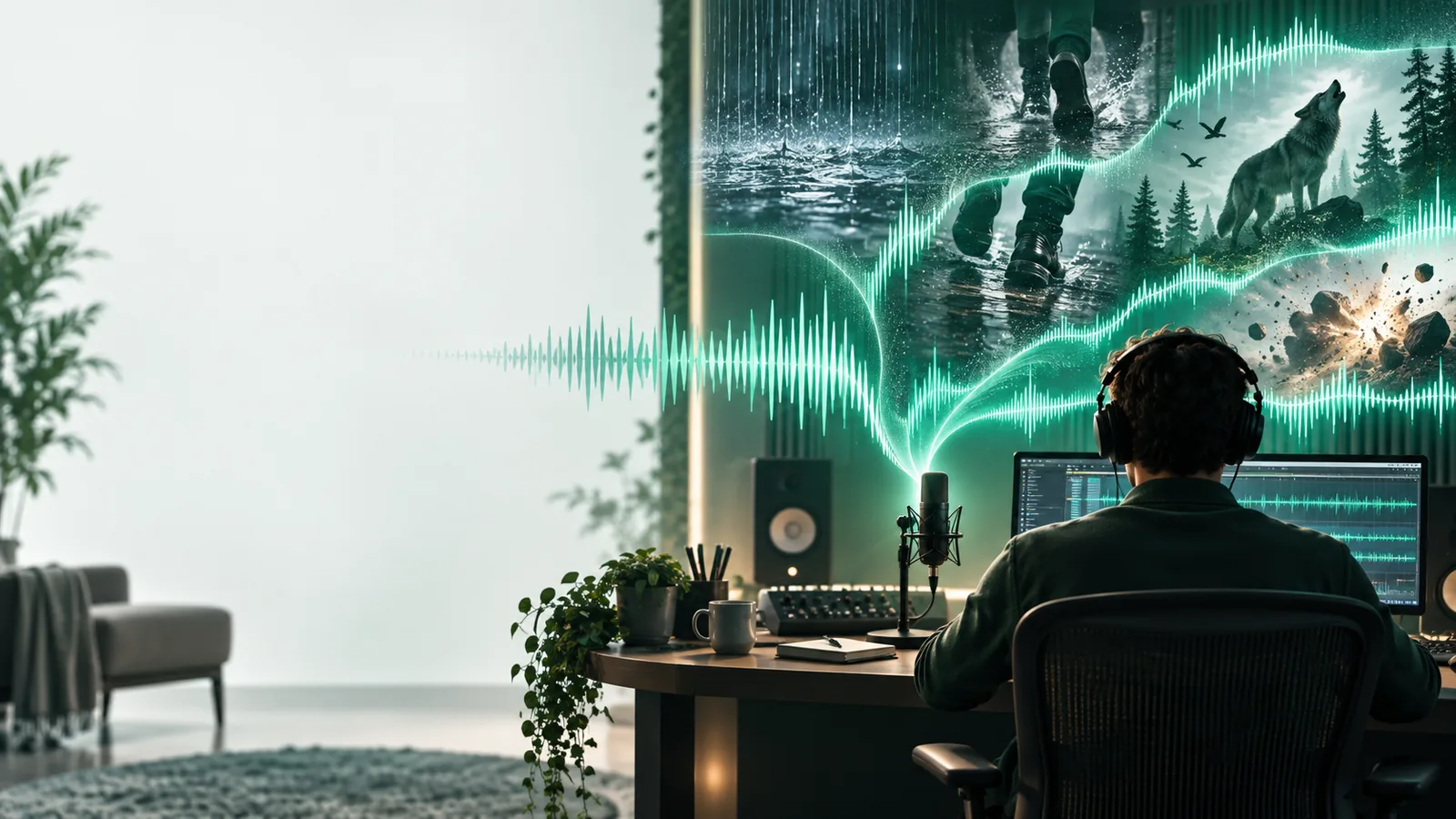
AI sound is audio a model generates or transforms in response to an input such as text, a voice sample, or existing audio. These related pages explore particular kinds of examples.
A sound is not an AI example merely because it is digital. These situations show where generated audio might fit into a project.
A quiet kitchen shot needs a brief ceramic clink timed to a hand placing a cup down.
A generated effect offers a starting point, but the editor still checks its timing against the cut.
ai sound generator for video freeA fictional machine needs a low hum that rises before it starts.
The creator can test several textures, then choose or edit one that matches the scene.
ai sound effect generatorA narrated story needs distant rain beneath a spoken passage.
A restrained ambience can establish place without competing with the voice.
ai sound effect generator from textA written idea describes gravel footsteps but no recording is available.
Trying a specific prompt provides an example to review and revise.
ai sound generator tutorial freeAn ai sound generator uses the input to guide an audio model; it does not retrieve a guaranteed recording of the event you described.
Name what makes the sound, the setting, and the action: for example, slow footsteps on wet gravel outdoors. A concrete source is more useful than a mood word alone.
The model produces audio based on patterns learned during training. The result may suggest gravel, footsteps, and outdoor space without reproducing any particular real recording.
Check the pace, texture, unwanted background noise, and ending. If the result misses the action, change the description or edit the audio rather than assuming the first take is final.
An ai sound generator can suggest plausible audio, but plausibility is different from accuracy. This comparison helps separate useful examples from guarantees.
Generated audio
Recorded audio
Generated audio
Synthesized or transformed by a model
Recorded audio
Captured from an actual sound source
Generated audio
Can respond to descriptions, though results vary
Recorded audio
Requires a matching source, performance, or edit
Generated audio
May sound convincing without matching a real event
Recorded audio
Documents the event the microphone captured
Generated audio
Repeated prompts may produce different details
Recorded audio
The original recording remains the same
Generated audio
Can suggest imaginary or hard-to-record sounds
Recorded audio
May need props, synthesis, or a staged session
Generated audio
Needs listening, timing, and rights review
Recorded audio
Needs editing, timing, and rights review
These caveats apply whether the example is an effect, a voice, music, or a background sound.
A convincing animal call or engine noise does not establish that an animal or engine was recorded.
WorkaroundUse a verified field recording when the sound must serve as evidence.
A prompt may describe three knocks, yet the output can place them awkwardly or add another transient.
WorkaroundListen closely and align or trim the result in an audio editor.
An ai sound generator cannot make every input voice, melody, or reference recording safe to use.
WorkaroundUse material you have permission to supply and check the terms for the output.
Editors, storytellers, game makers, and curious beginners use an ai sound generator to explore audio before committing to a final mix. Start with one clearly described source, listen critically, and keep only a result that serves your project.
Try sound generationExamples include a generated door slam, spoken narration, a musical phrase, or a loop of wind and rain. Each is audio produced or transformed with a model rather than simply captured and played back unchanged.
Yes. A text-prompted footstep, impact, or machine hum is a straightforward example when a model creates the audio. The same kind of sound recorded with a microphone is recorded audio, even if it is later edited digitally.
No. They can imitate familiar sources or suggest imaginary ones, such as an unfamiliar creature or device. Judge an example by whether it fits the intended scene, not only by whether its source exists.
Not reliably. Some generated audio has noticeable artifacts, while other examples can resemble recordings. If origin matters, check the production notes or source information rather than relying on your ears alone.